
Give everyone exactly the right access
Decide who can configure the AI engine, who can spend credits and who is allowed to approve what it produces. Permissions are multi-role and scoped to organisations, projects and teams.
Access that scales with your org
As more people touch your content, loose permissions become a liability. TextSetu keeps access tight and easy to reason about.
Multi-role by design
Hold several roles at once, on one account.
Org, project & team scope
Grant at the level that fits: organisation, project or team.
Invite and go
Invite someone and they arrive with the right roles.
One permission model, three levels
Org-wide roles, per-project roles, and teams you can assign in one move.
Assign organisation-wide roles for admins, per-project roles for the people doing the work, and group collaborators into teams you can assign in one move. Everyone sees exactly what they should.
- Organisation roles owner, admin, editor and viewer for org-wide control.
- Project roles admin, editor, viewer and approver, set per project.
- Teams group people once and assign the whole team to a project.
Invites, cascades and a clean audit trail
Invite by email; organisation, project and team roles activate together when they accept.
Invite new or existing users by email. When they accept, their organisation, project and team roles activate together. Change or remove access anytime, and every change is recorded.
- Email invitations new and existing users accept before they get access.
- Cascade activation one accept activates org, project and team roles at once.
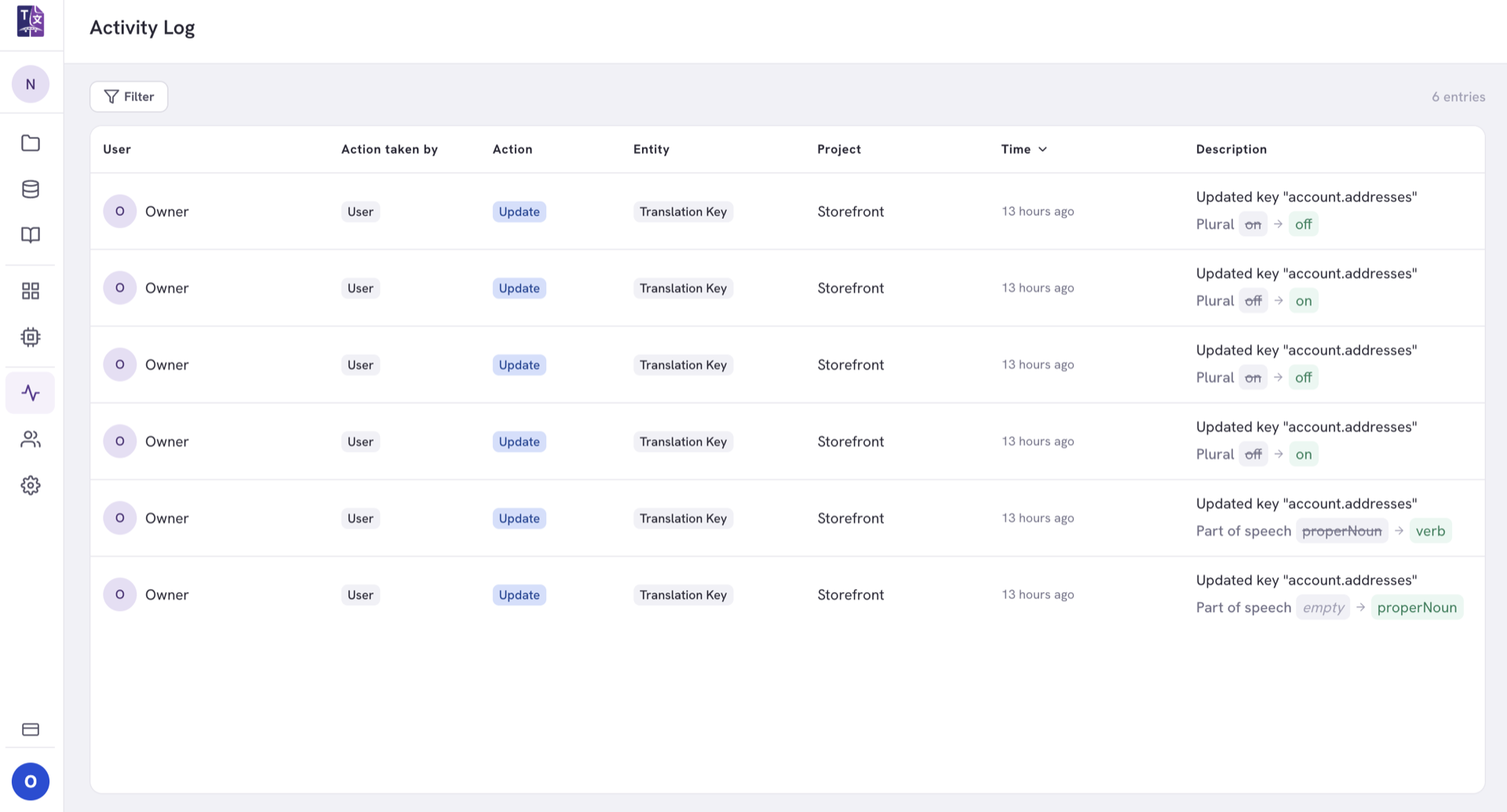
- Change anytime update or remove roles, with every change on the record.
Explore related features
Approval workflows
Give reviewers the approver role and control who signs off on AI output.
See how approvals workGlossary & QA
Glossaries are access-controlled to the right people, too.
See how the glossary worksProgress analytics
The activity log records who did what, human or machine.
See what analytics show youBring your whole team on board
Invite translators, reviewers and developers with the right access in seconds.