
Edit every language in one fast grid
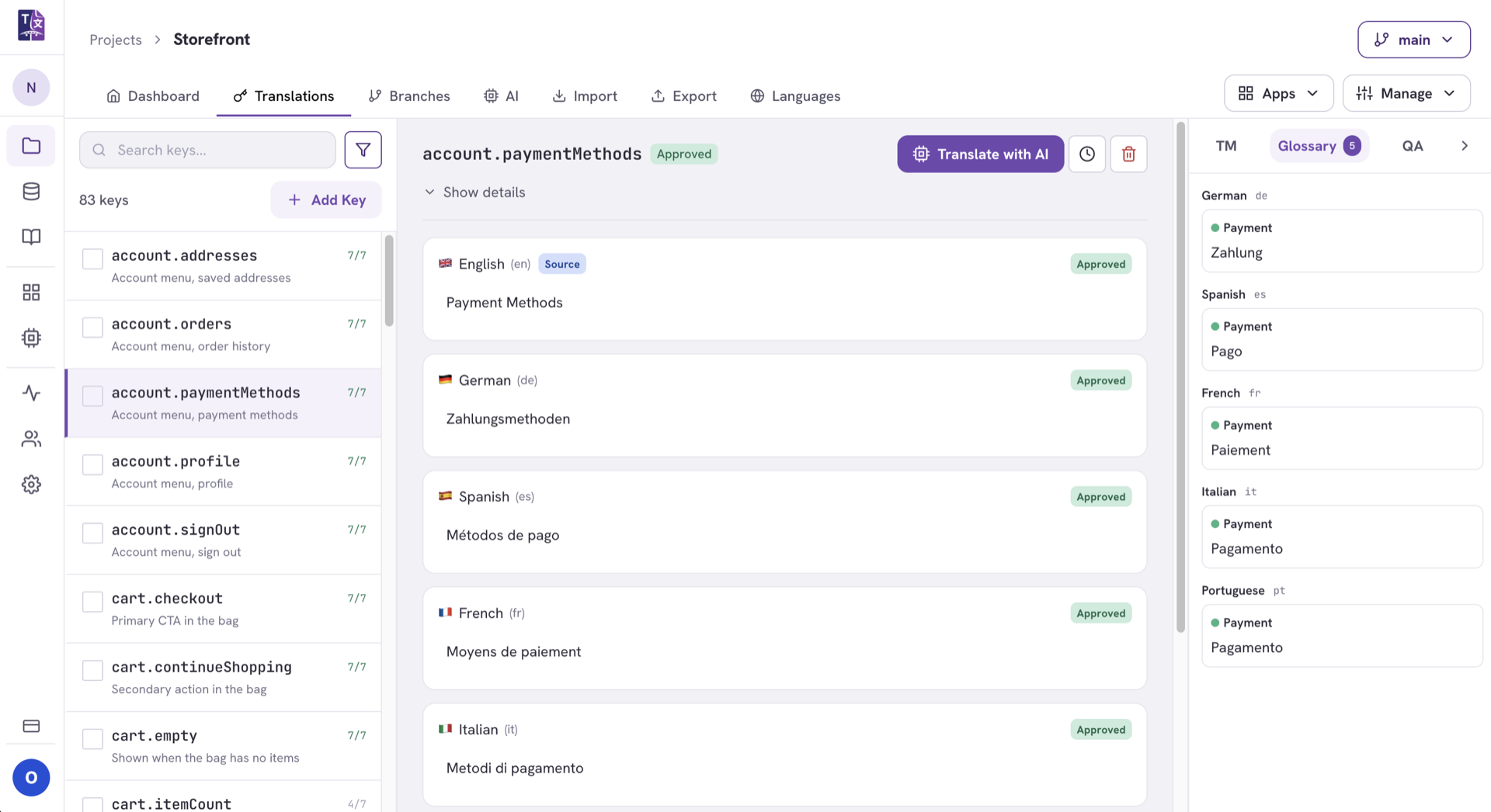
A spreadsheet-style grid where your team reviews what the AI produced and fixes what it got wrong. Source and every target side by side, inline editing, plurals, and status updating live.
Built for speed and clarity
No more juggling one spreadsheet per language or losing track of what still needs work.
Inline editing
Click any cell and type. It saves as you go.
Plurals & variables
Plurals and interpolated variables, handled as your framework expects.
Filter & search
Filter by language, status, tag or outdated, and go straight there.
See the whole picture at once
Source beside every target, with status on each row: approved, in review, draft or missing.
The grid puts your source language next to every target so translators keep context and reviewers spot gaps instantly. Status badges show what's approved, in review, draft or missing without opening a single file.
- Live status for approved, review, draft and missing values.
- Source always visible so nothing is translated blind.
- Keyboard-friendly navigation for fast bulk editing.
Add to Bag
Ajouter au panier
In den Warenkorb
Give translators everything they need
Screenshots, descriptions, tags, memory suggestions and history, all on the key itself.
Attach screenshots to keys, add descriptions and tags, and open a per-key detail panel with translation memory suggestions and history. Translators make confident choices the first time.
- Screenshots and descriptions attached to any key.
- Memory suggestions surface right in the detail panel.
- Per-value history shows who changed what, and when.
Explore related features
Translation memory
The approved segments the AI reuses so drafts match your existing wording.
See how memory worksGlossary & QA
The terminology both your translators and the AI engine are held to.
See how the glossary worksProgress analytics
Track what the AI covered and what still needs a human.
See what analytics show youTry the editor on your own strings
Import your files and start editing every language in one place.